
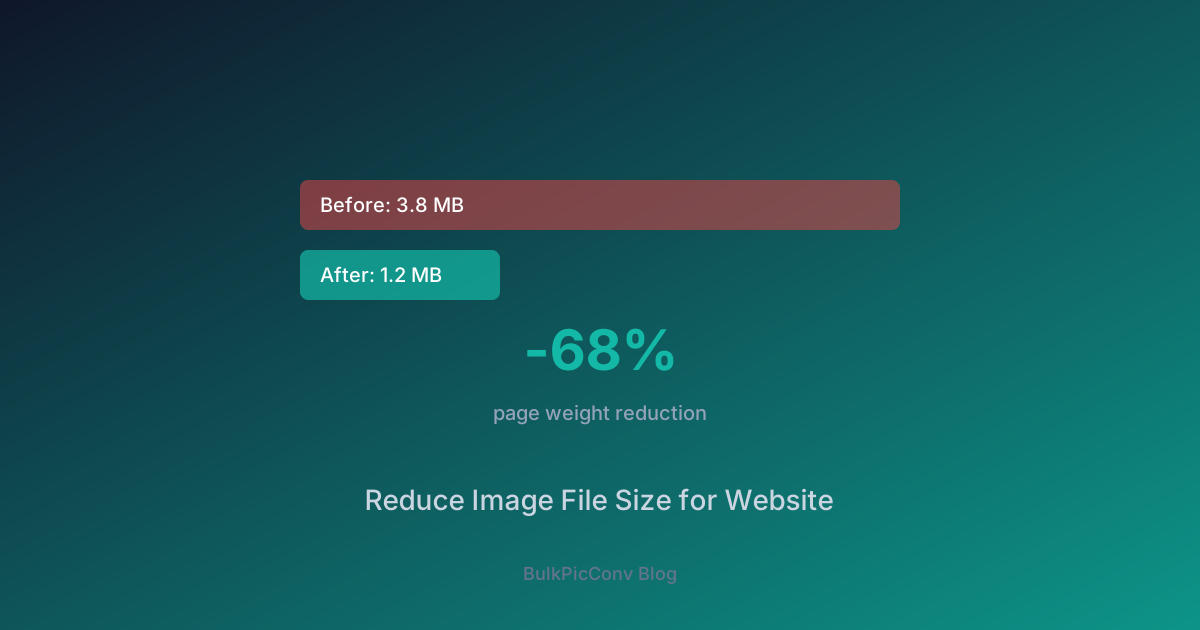
How to Reduce Image File Size for Website Performance (2025)
Images Are 40-60% of Your Page Weight
The average webpage is ~2.5MB, and images account for over half of that. Reducing image sizes is the single biggest performance win for most websites.
The 4-Step Image Optimization Checklist
1. Choose the Right Format
| Content Type | Recommended Format | Why |
| Photographs | WebP or AVIF | Best compression for complex images |
| Logos & icons | SVG or PNG | Crisp edges, transparency |
| Screenshots | PNG or WebP lossless | Text needs sharp rendering |
| Animated | GIF → Animated WebP | 50%+ smaller than GIF |
2. Resize to Display Dimensions
Never serve a 4000×3000 image in a 400×300 container. Resize first:
3. Compress with the Right Quality
The quality sweet spot for WebP:
4. Strip Metadata
EXIF data (camera model, GPS coordinates, timestamps) can add 50-100KB per image. Our tool strips metadata by default for maximum compression and privacy.
Real-World Impact
A Shopify store optimized 500 product images:
| Metric | Before | After | Improvement |
| Avg image size | 850KB | 180KB | -79% |
| LCP | 3.8s | 1.9s | -50% |
| Total page weight | 4.2MB | 1.1MB | -74% |
| Mobile bounce rate | 42% | 28% | -33% |
Batch Optimization Workflow
For websites with hundreds of images:
The entire process for 200 images takes under a minute.
Why Local Processing Matters
Online image compressors upload your files to remote servers:
Our tool uses WebAssembly + Web Workers to process images entirely in your browser:
Start Optimizing
Visit our free image compressor - no sign-up, no limits, no watermarks. Just faster websites.
Advanced Techniques
Responsive Images with srcset
Serve different image sizes based on the visitor's screen:
``html
`
This ensures mobile users download a 400px image (maybe 30KB) instead of a 1200px image (200KB).
Lazy Loading
Add loading="lazy" to all images below the fold. This defers loading until the user scrolls near them:
Don't lazy-load your LCP (Largest Contentful Paint) image — that's usually the hero or first product image. Use loading="eager"` or omit the attribute for critical images.
CDN Image Transforms
If you use a CDN like Cloudflare, Fastly, or Cloudinary, they offer on-the-fly image optimization:
However, CDN transforms add latency on first request and cost money at scale. Pre-optimizing your images and serving them directly is often faster and cheaper.
Measuring the Impact
After optimizing, measure the results:
Target these benchmarks:
Related Guides
Ready to optimize your images?
Try BulkPicConv — Free