
AVIF Browser Support in 2025: A Complete Guide for Web Developers
Before you ship AVIF images, get the 2025 browser support picture — Chrome, Safari, Firefox and Edge now all render AVIF, with a few caveats to plan around. New to the format? Our complete AVIF guide covers compression, quality and when AVIF beats WebP.
AVIF in 2025: Where We Stand
AVIF (AV1 Image File Format) delivers the best compression of any widely available image format - typically 40-50% smaller than JPEG and 20-30% smaller than WebP. But adoption depends on browser support, and that has evolved significantly. This guide covers the current AVIF browser support landscape and how to implement it safely.
For a broader comparison of AVIF and its closest competitor, see our WebP vs AVIF guide.
AVIF Browser Support Table (2025)
| Browser | AVIF Support | Since Version |
|---|---|---|
| Chrome (desktop & Android) | Yes | 85 (Aug 2020) |
| Edge | Yes | 92 (Sep 2020) |
| Firefox | Yes | 93 (Oct 2021) |
| Safari (macOS & iOS) | Yes | 16.0 (Sep 2022) |
| Opera | Yes | 71 (Aug 2020) |
| Samsung Internet | Yes | 14.0 |
| Chrome iOS | Yes | Follows Safari engine |
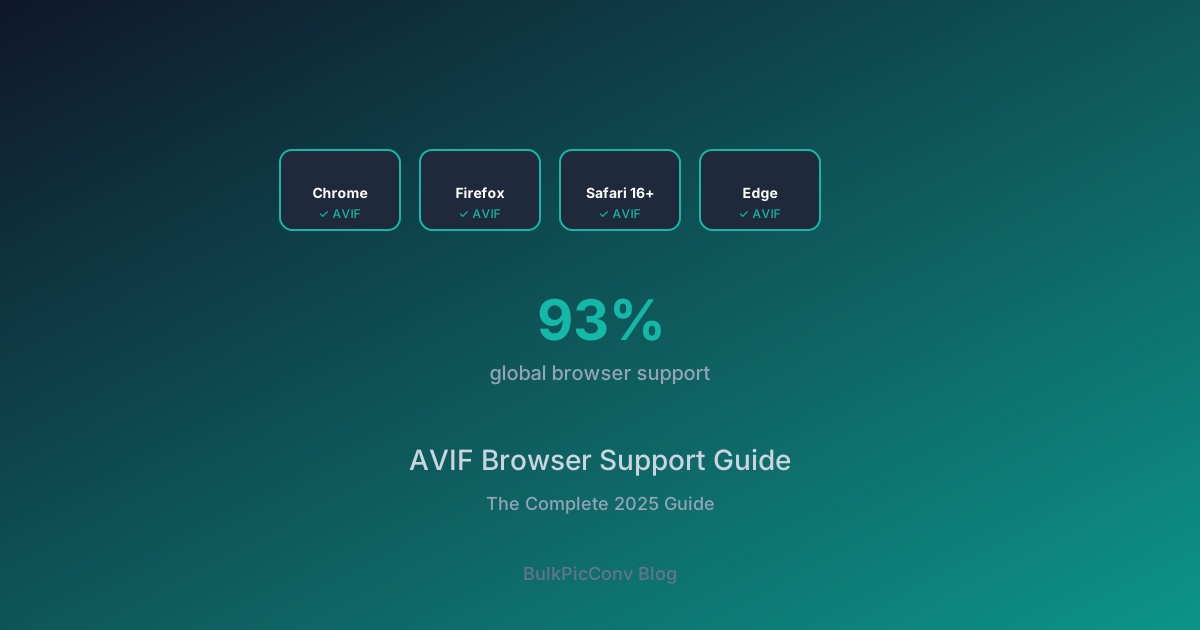
As of 2025, AVIF is supported by approximately 93% of global browsers according to Can I Use. The remaining gap is primarily older Safari versions (pre-16) and a small fraction of legacy enterprise browsers.
The Remaining Gaps
Older Safari Versions
Safari 15 and earlier do not support AVIF. Users on macOS Monterey (12) and older, or iOS 15 and older, will not render AVIF images. This is the single largest segment of unsupported traffic.
Some Embedded and In-App Browsers
Certain in-app browsers (older Android WebViews, some email clients) lack AVIF support. Always provide a fallback.
Encoding Limitations
Browser support for decoding AVIF is now broad, but encoding speed remains a concern. AVIF encoding is slower than WebP, which matters for real-time conversion services but not for pre-optimized static assets.
The picture Element: Your Fallback Strategy
The correct way to serve AVIF with fallbacks is the HTML <picture> element. It lets the browser choose the first format it supports:
<picture>
  <source srcset="hero.avif" type="image/avif">
  <source srcset="hero.webp" type="image/webp">
  <img src="hero.jpg" alt="Hero image" width="1200" height="630">
</picture>
The browser evaluates each <source> in order and picks the first compatible format. If none match, it falls back to the <img> tag. This guarantees every visitor sees an image.
Why the Order Matters
Always list AVIF first, then WebP, then the original format:
- AVIF - smallest file, modern browsers
- WebP - slightly larger, near-universal support
- JPEG/PNG - universal fallback for legacy browsers
This order ensures each browser gets the most efficient format it can handle.
Server-Side Format Negotiation
If you use a CDN or image service, you can negotiate format via the Accept header:
Accept: image/avif,image/webp,*/*The server reads the header and serves the best format automatically, without requiring the <picture> element. CDNs like Cloudflare Images, Imgix, and Vercel's image optimizer support this natively.
Generating All Three Formats
To implement the <picture> strategy, you need three versions of each image. Generating them manually is impractical - use a batch converter:
- Drop your source images into BulkPicConv
- Convert to AVIF first - download the batch
- Convert the same images to WebP - download the batch
- Keep your original JPEGs/PNGs as the final fallback
- Reference all three in your
<picture>elements
Everything runs locally in your browser, so there is no upload delay and no privacy concern.
Content Negotiation with CSS
For background images, the <picture> element does not apply. Use CSS feature detection instead:
.hero {
  background-image: url('hero.jpg');
}
@supports (background-image: url('hero.avif')) {
  .hero {
    background-image: url('hero.avif');
  }
}
The @supports rule checks whether the browser can handle AVIF and overrides the background accordingly.
When to Use AVIF vs WebP
| Factor | AVIF | WebP |
|---|---|---|
| File size (photos) | Smallest | Small |
| Encoding speed | Slow | Fast |
| Browser support | 93% | 97%+ |
| Animation support | Yes | Yes |
| Legacy fallback needed? | Yes (Safari <16) | Rarely |
Use AVIF when you want maximum compression and can implement a fallback. AVIF shines for large hero images and photography where the byte savings are most impactful.
Use WebP when you need fast encoding, near-universal support, or a simpler setup without fallbacks.
Testing Your Implementation
After deploying AVIF with fallbacks, verify:
- Open Chrome DevTools > Network tab
- Filter by "Img"
- Confirm AVIF files are requested (not JPEG)
- Test in Safari 15 if available - it should load WebP or JPEG instead
A correctly configured site serves AVIF to capable browsers and a fallback to everyone else, with zero broken images.
Start Using AVIF Today
Generate AVIF, WebP, and fallback formats in one batch with our free image converter - no upload, no sign-up, fully private. Pair it with our image size reduction guide for a complete optimization workflow.
Testing AVIF in Development
To verify AVIF support during development:
- Open Chrome DevTools → Network tab
- Check the "Accept" request header — should include
image/avif - Use the
<picture>element with AVIF source and WebP fallback - Test on real devices (especially iOS Safari versions)
The Future of AVIF
AVIF continues to evolve:
- AVIF 2.0: Adds gain map support for HDR images
- Better encoding speed: Newer encoders are 2-3x faster than initial implementations
- Wider adoption: More CDNs and platforms adding native AVIF support
Related Guides
Ready to optimize your images?
Try BulkPicConv — Free